Coverage
Check every country on the itinerary and the named partner network where disclosed. A regional label is not proof that every stop is included.
Connection for the scouting trip
Global guide · reviewed 21 August 2026
A temporary data plan can keep maps, transport, property messages and video calls working from the moment you arrive. The right choice depends on your phone, itinerary and whether this is a holiday or a serious test of a possible future home.

First, the distinction
An eSIM is a digital SIM profile downloaded to a compatible device instead of inserted as a plastic card. The GSMA describes eSIM as a standard that enables remote provisioning and allows operator profiles to be stored on a device.
A travel eSIM is one commercial use of that technology: normally a prepaid plan intended to connect in one country, a region or several destinations for a limited period. It may be sold by a local mobile operator or a worldwide service provider. It is not automatically the same as a domestic mobile contract, and it may provide data without a local telephone number.
For someone exploring a possible move, its main value is speed and continuity. It lets you research neighbourhoods, translate conversations, contact agents, navigate public transport and stay reachable without making a long-term mobile decision on day one.
Choose the connection
There is no universally cheapest option. Compare the whole trip, the work the connection must do and the consequences of losing access, not only the advertised price per gigabyte.
| Option | Best fit | Advantages | Important limits | For a move-scouting trip |
|---|---|---|---|---|
| Travel eSIM | Short trips, fast arrival setup, multi-country itineraries | Buy before travelling; no shop visit; can often run beside a home line | May be data-only; partner-network coverage and support vary; the phone must be compatible and unlocked | Useful as a short-term bridge. It can provide data from the airport while you compare local operators in person. |
| Home-network roaming | Maximum simplicity or a home plan that already includes the destination | Keeps the normal number and existing account; little setup | Daily fees, data caps and out-of-plan charges can be expensive; policy differs by destination | Good as a fallback. Check the exact country, dates and fair-use limits in writing. |
| Local SIM or local eSIM | Longer stays, frequent local calls, local-number requirements | Direct access to a domestic operator; often clearer local bundles and support | May require identity registration, a store visit, local payment or more setup time | Useful for testing domestic mobile service. Compare it during the trip if the move becomes likely. |
| Portable hotspot | Several devices or travellers sharing one connection | Separates connectivity from the phone and can serve laptops or tablets | Another device to charge and carry; everyone loses service if it fails or walks away | Useful for a working household, but less convenient for independent days in different areas. |
Use the connection to test real life
Use mobile data where a future resident would need it: on the commute, inside the neighbourhood, during a property viewing, at a hospital or school, and while working away from hotel Wi-Fi. A connection that looks fast at the airport tells you little about the district where you may live. Build the wider visit with the Discovery Tour guide.
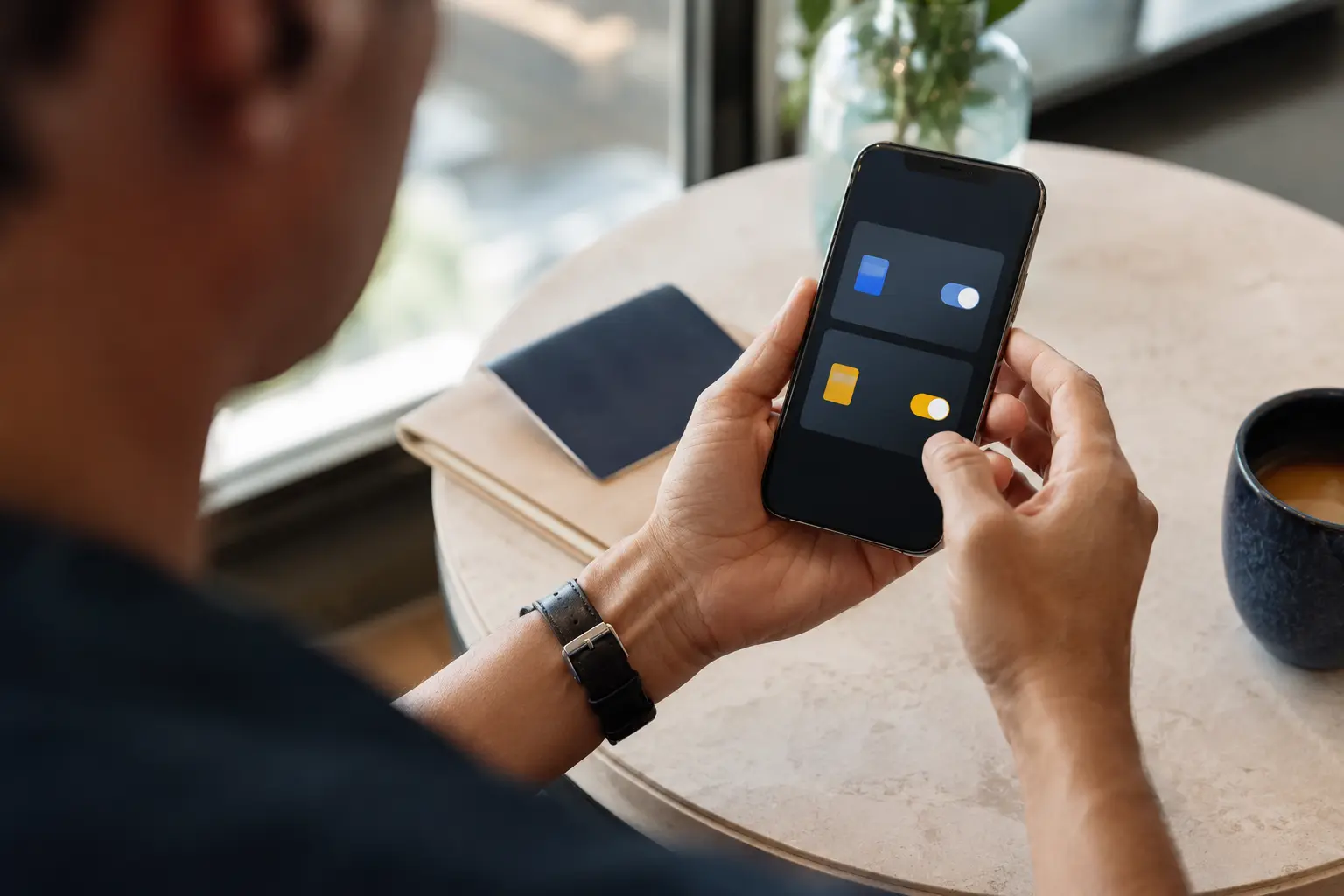
Estimate your data needs
Look at the last full month in the phone’s mobile-data settings, then adjust for trip length and expected Wi-Fi. Navigation, messaging and ordinary browsing are usually modest; video calls, cloud photo backup, laptop tethering and streaming can change the total quickly.
Setup sequence
Menu names vary by phone, software version and market. Use the manufacturer’s current instructions for the exact device, then the plan provider’s instructions for its network settings.
Confirm the exact model and market variant supports eSIM, the device is carrier-unlocked, and its dual-SIM arrangement can keep the lines you need active. Manufacturer support pages are safer than a generic compatibility list.
Choose the country or region, trip dates, realistic data allowance and required features. Save the receipt, plan terms, installation instructions, activation code and support contact somewhere available offline.
Installation may use an app, QR code, carrier link or manual activation details. If the QR code is on the phone being configured, open it on a second screen or use the manual route when supplied. Check whether installation starts the validity period before proceeding.
Use names such as ‘Home’ and ‘Travel data’. Keep the home number as the voice or message line if needed, and select the travel eSIM for mobile data. Disable mobile-data switching unless you deliberately want the phone to fall back to the home line.
Turn on the travel line, select it for data and follow the provider’s APN and roaming instructions. Some travel plans need data roaming enabled on the travel line because they connect through a partner; that is separate from enabling roaming on the home line.
Switch off Wi-Fi, load a webpage, open a map and send a message. If it fails, capture the status indicators and settings before contacting support. Keep airport Wi-Fi available while troubleshooting.
Dual SIM without accidental roaming
On a compatible device, the home line can remain available for calls or authentication messages while the travel eSIM supplies data. Apple, Google and Samsung all publish device-specific dual-SIM guidance; the supported combinations and number of simultaneously active profiles depend on the model and carrier.
Turn data roaming off on the home line, make the travel line the only mobile-data line and disable automatic data switching unless you understand the fallback charge. Incoming SMS may be free on some home plans, but calls, sent messages, voicemail and network registration can be billed differently. Confirm the home operator’s rules before departure.

A better field test
Note the local network, signal and usable speed at a possible home, co-working space, regular route and any area where coverage drops. Ask residents which operator works there. The travel eSIM’s partner network may not be the same operator you eventually choose, so treat the result as one data point, not a national verdict.
Common failure points
Most problems are recoverable when the purchase details, instructions and a working Wi-Fi connection are still available.
eSIM capability does not prove another provider’s profile can be used. Check the carrier-lock status before buying.
A phone family may support eSIM in one market but not another. Match the exact model or device identifier.
Some plans start on installation or activation rather than first arrival. Read the trigger and time zone in the plan terms.
Automatic switching can move data back to the home line. Select the travel line and review both roaming settings.
Unlimited use may still have a daily high-speed threshold, traffic management or a reduced speed after fair use.
Reinstallation rules differ. Do not remove a profile while troubleshooting unless the provider confirms it can be downloaded again.
If the country becomes home
Once a stay becomes longer, compare domestic prepaid and contract options. A local plan may provide a local number, direct operator support, more predictable renewal, broader domestic bundles and easier use with services that expect a national mobile number.
Keep the travel eSIM until the local line is activated and tested. Then decide whether the home number should remain active for authentication, be moved to a cheaper arrangement or be replaced account by account. Do not cancel a critical number before changing every recovery method attached to it.
Browse all country eSIM guides ↗Quick answers
Check the purchased plan’s wording and the current device instructions whenever an answer depends on a specific provider, carrier or model.
Usually it is sensible to buy and prepare it before departure, but the correct installation and activation time depends on when that particular plan starts its validity period. Read the plan terms before installing it.
Often, on a compatible dual-SIM device. You can keep the home line active for calls or messages and use the travel eSIM for data, but your home operator may still charge for roaming calls, texts, voicemail or background data.
Not necessarily. Some products include voice or SMS service, while others provide data only. Check the plan description rather than assuming the country coverage includes a local number.
It can bridge the first days, but a local mobile plan is usually worth comparing once you stay longer, need a local number, require reliable SMS verification or want a direct relationship with a domestic network operator.
Evidence record
These primary sources were checked on 21 August 2026. Device support, carrier compatibility, menus and plan terms change. The current manufacturer, home carrier and purchased-plan instructions take precedence.
The industry-standard eSIM model, remote SIM provisioning and storing operator profiles digitally.
Travel setup, unlocked-device checks, Wi-Fi requirements and the choice between home-carrier roaming and a travel eSIM.
Keeping a home line and travel line on one device, labelling plans and selecting the line used for mobile data.
Pixel dual-SIM configurations and choosing which SIM handles calls, messages and mobile data.
Current Pixel eSIM compatibility information, including important model and market exceptions.
The distinction between physical SIM and eSIM and the use of two lines on supported Galaxy devices.
Found a changed rule or broken source? Send the page address and replacement official source to hello@emigrated.org.
General information, not a product recommendation. Coverage, pricing, compatibility and terms vary by provider, device, carrier, country and date. Verify the current plan wording before purchase and keep a second way to connect in an emergency.